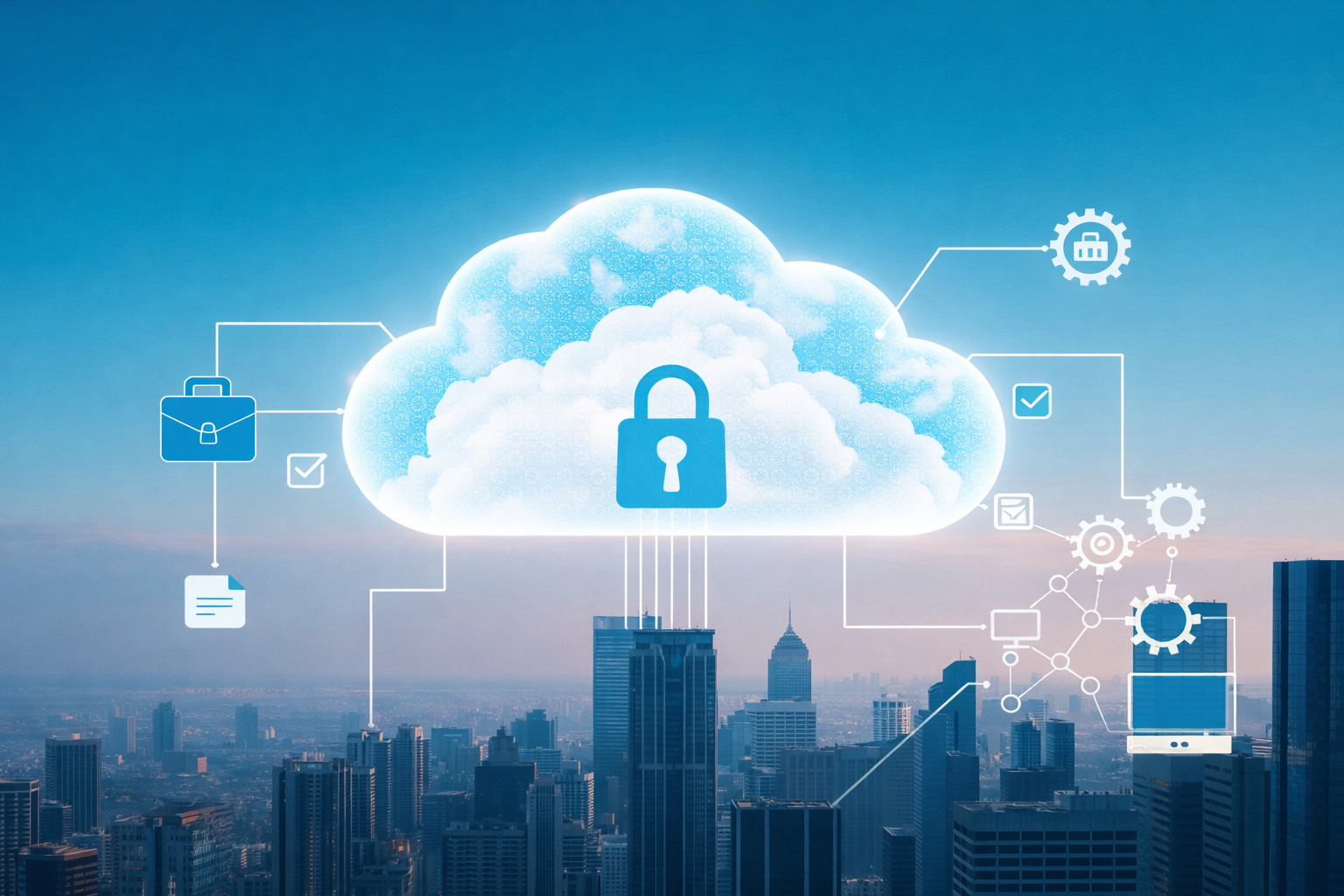
Cloud backup stores copies of data on remote servers. It
replaces manual tape swapping and overnight jobs with automated protection that
restores files in hours instead of days.
But automation doesn't mean it's always the right choice.
Some data needs local control. To find the right fit, you need to know what it
can and can't do.
What Makes Cloud Backup Different?
Traditional backup meant hours of work, sometimes in the
middle of the night or on weekends. Cloud backup runs automatically and lets
you ditch the physical hardware. Your data lives on remote servers instead of
in a closet.
Automated data protection has changed everything about how
organizations approach disaster recovery planning. A decade ago, IT teams had
to manually swap backup tapes. Now restoration happens during a coffee break
over a secure internet connection.
This means it's easier to restore operations after unexpected events. Instead of waiting days to get everything back online, you can be up and running again in a matter of hours. The ability to access data from anywhere adds even more convenience, especially for companies with remote or hybrid teams.
Why Business Continuity Depends on Smart Backup Choices
When systems crash or data gets compromised by a
cyberattack, every minute of downtime costs your company money. Cloud backup
supports business continuity by ensuring information remains accessible even
during emergencies. You can restore operations faster because data exists in
multiple locations simultaneously.
Still, on-premise backup has its place. For example, when
your organization handles sensitive information that requires an isolated
environment, such as financial records, proprietary research, or internal
compliance documents, on-premise systems provide direct control over data
security, storage configurations, and access permissions.
Local backups enable faster recovery times for large files or databases, reducing downtime during critical business operations.
Combine Both Options With a Private Cloud
Private cloud storage offers a middle ground. This approach
provides cloud-like convenience while maintaining the isolation and control of
on-premise systems. Businesses get dedicated servers that only they can access,
combining security benefits with modern backup capabilities.
Many organizations adopt hybrid strategies, using cloud
services for routine file backups while keeping their most sensitive data on
local servers. Yes, it's more complex. But you get control over sensitive data,
and employees can still recover files from anywhere thanks to remote access.
Making the Choice That Fits
Selecting appropriate backup solutions requires an honest
assessment of specific business needs. Consider data sensitivity, compliance
requirements, and budget constraints. If you have a small IT staff (or you’re
handling everything on your own), managing on-premise backup infrastructure
will consume time you don't have.
Most companies should use cloud backup. If you handle
extremely sensitive data, add local backup for those specific files. But the
cloud is fine for most of what you do. Start with cloud backup for general
files, then add local systems only for regulated data that requires it.